
Getting
Started
Welcome to the Woojer Experience
We hope you enjoy every moment of your Woojer experience. And if you ever need us, we’re only a click away.
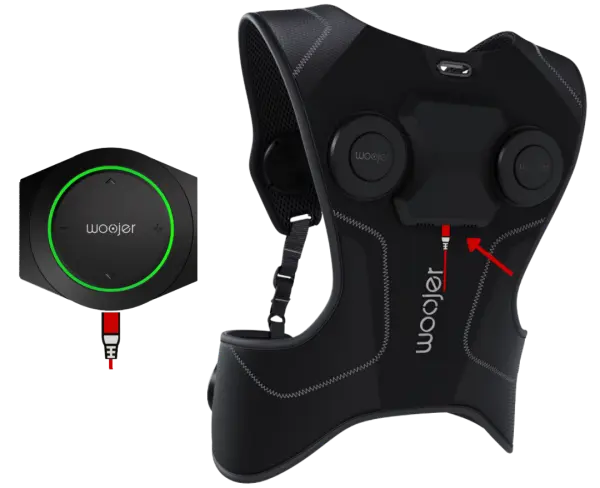
Some Woojer Vest and Strap units may not display a charging indicator even though they are charging. If this occurs, simply unplug the charger and reconnect it. To permanently resolve the issue, update your Woojer device firmware using the Woojer app.
Get Started In
3 Easy Steps
Charge
Vest and Strap require a 3-hour charge before first use. The MAT is always powered, so no initial charge is needed.
Download
the App
Download the Woojer Device Manager app to control connectivity, latency, LEDs, firmware updates, and more.

Also download the Woojer MAT app for the optimized content library.
Update
and Enjoy
Through the Device Manager app, update your Woojer firmware to ensure you’re running the latest and greatest.
Start at a low intensity, play something you know by heart, and let the first bass note land. That moment is the whole point.